How to Collect Payments in Your Forms with Stripe
By Marco Rossi · April 5, 2025 · 6 min read
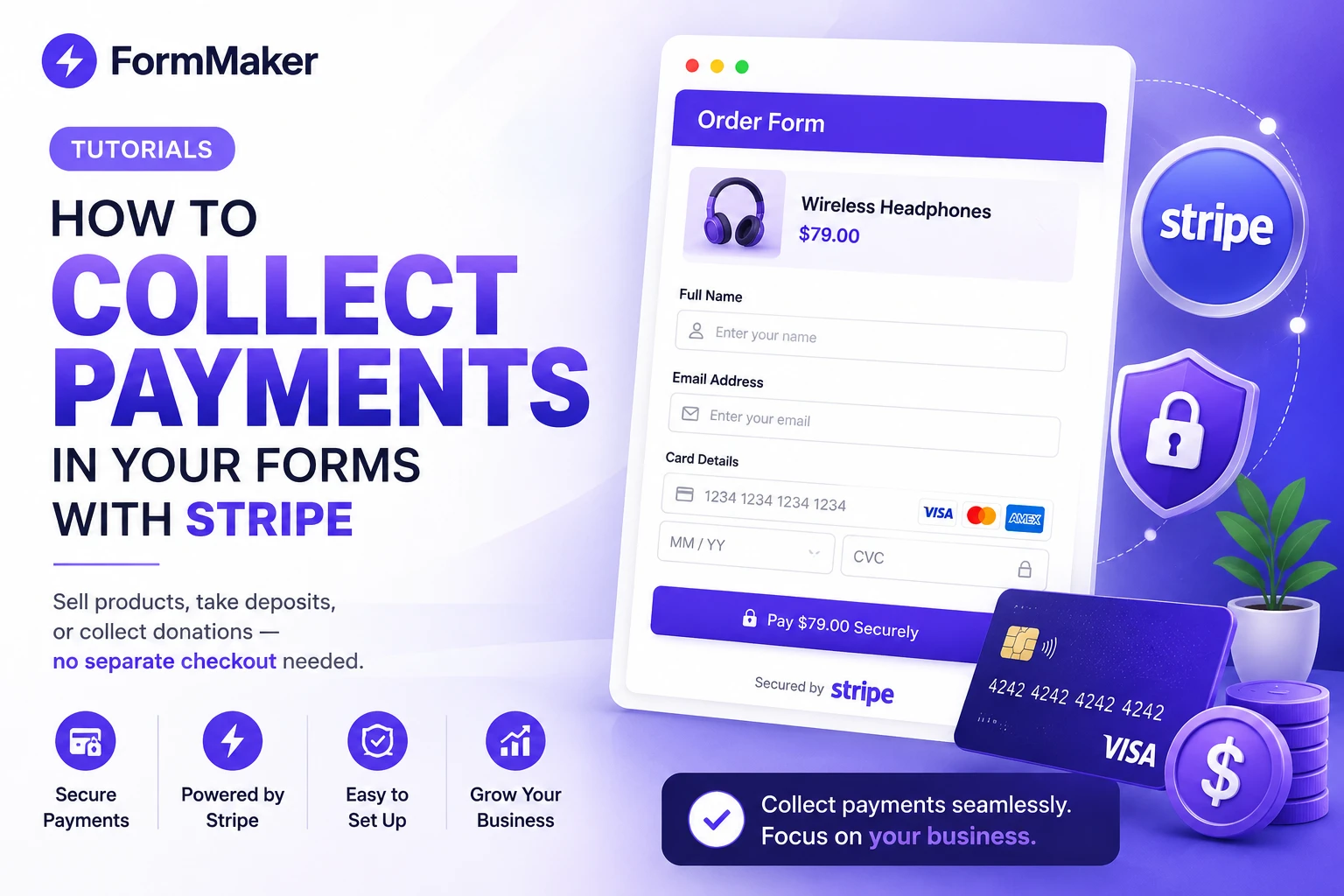
Sometimes a form needs to do more than collect answers — it needs to collect money. With FormMaker's Stripe-powered payment block, you can charge customers right inside your form, with no separate checkout page and no code. Here's how to set it up.
What you can collect
- One-off payments — product orders, event tickets, deposits.
- Recurring payments — memberships and subscriptions.
- Donations — let supporters choose their own amount.
Because payment happens inside the form, respondents never get bounced to a third-party page — which keeps completion rates high.
Step 1: Connect Stripe
Payments are available on Pro and Business plans. In your form's settings, open the Payments tab and click "Connect Stripe." You'll authorize FormMaker to create charges on your Stripe account — it takes about a minute.
Step 2: Add a payment block
In the editor, press / and insert a Payment block. Set the currency and either a fixed price or a customer-chosen amount. You can also tie the amount to earlier answers using calculator logic — perfect for "pick your options" pricing.
Step 3: Configure receipts
Enable automatic email receipts so customers get a confirmation immediately. You can customize the receipt with your business name and a thank-you note.
Step 4: Test before you launch
Use Stripe's test mode to run a full transaction without charging a real card. Confirm the payment appears in your Stripe dashboard and that the submission is recorded in FormMaker.
Common use cases
- A pre-order form that takes a deposit (see our templates).
- An event registration that sells tickets by type.
- A coaching booking form that charges per session.
Security and fees
All payments are processed by Stripe, a PCI-compliant provider — FormMaker never stores raw card data. You pay Stripe's standard processing fee; FormMaker doesn't add a transaction fee on Pro and Business plans.
Ready to start selling through your forms? Create an account and upgrade to Pro to switch on payments.
Build your next form for free
Unlimited forms, unlimited submissions, no credit card required.
Try FormMaker freeRelated posts
The Best Free Typeform Alternative in 2025
Typeform is great until you hit the response limit and the paywall. Here's how FormMaker gives you unlimited forms and submissions — for free.
TutorialsHow to Build Smart Forms with Conditional Logic
Conditional logic turns long, generic forms into short, personal ones. Here's how to use it to boost completion rates.