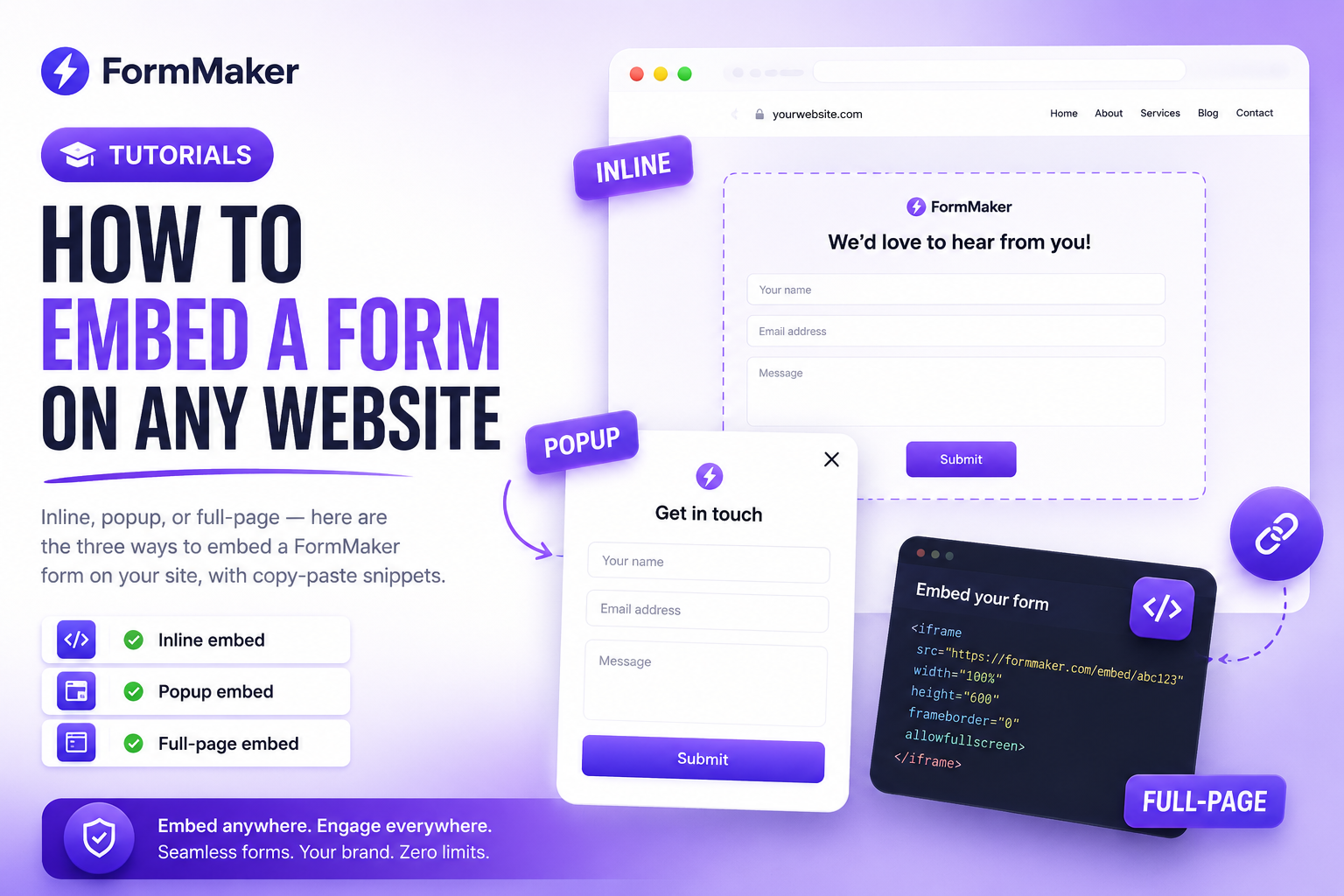
A form gets far more responses when it lives where your audience already is — on your website. FormMaker gives you three embed modes so you can place a form anywhere, on any platform. This guide covers all three.
Before you start
Build and publish your form first. Every published form has a unique URL and an embed code you'll find under the Share menu. You can use any of the methods below on WordPress, Webflow, Framer, Shopify, or a hand-coded site.
1. Inline embed
An inline embed renders the form directly inside a page, like a native section. It's the best choice for contact pages and landing pages.
<div data-formmaker="frm_123"></div>
<script src="https://embed.formmaker.ai/v1.js" async></script>
Drop the snippet where you want the form to appear and it resizes automatically to fit its content.
2. Popup embed
A popup opens the form in a centered modal when a button is clicked — great for "Get in touch" or "Join the waitlist" calls to action without leaving the page.
<button data-formmaker-popup="frm_123">Contact us</button>
<script src="https://embed.formmaker.ai/v1.js" async></script>
3. Full-page embed
Prefer to host the form on its own page? Use a full-page embed (or simply link to the form URL). On Pro plans you can serve it from your own custom domain so the experience is fully branded.
Tips for higher conversion
- Place inline forms above the fold on landing pages.
- Use popups for secondary actions so they don't crowd the page.
- Keep the form short — pair embeds with conditional logic to hide irrelevant questions.
Troubleshooting
If a form doesn't appear, make sure the script tag is present once per page and that the form is published. Most CMS platforms have a "custom HTML" or "embed" block where the snippet belongs.
That's it — three ways to put your form exactly where it'll get the most responses. Create your first form and grab your embed code in minutes.
Build your next form for free
Unlimited forms, unlimited submissions, no credit card required.
Try FormMaker freeRelated posts
The Best Free Typeform Alternative in 2025
Typeform is great until you hit the response limit and the paywall. Here's how FormMaker gives you unlimited forms and submissions — for free.
TutorialsHow to Build Smart Forms with Conditional Logic
Conditional logic turns long, generic forms into short, personal ones. Here's how to use it to boost completion rates.